Every byte.
A little clearer.
Meet ZGHex, the free hexadecimal viewer for Windows. Explore binary files, understand their structure and turn raw bytes into useful information.

From the developers of ZipGenius
For developers, technicians and curious minds.
From raw data
to understanding.
Read beyond the hex.
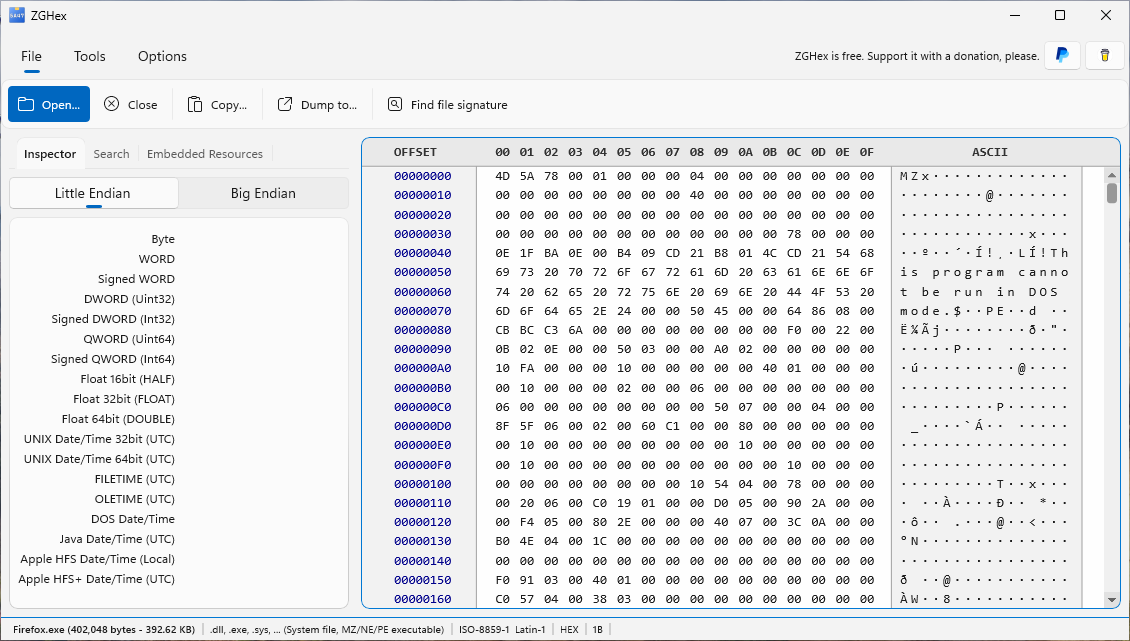
View hexadecimal and text side by side. Interpret selected bytes as integers, floating-point values and timestamps in Little Endian or Big Endian.
Follow the evidence.
Find text and byte sequences, identify file signatures and calculate hashes. Explore PE resources, ZIP directories and EXIF/JFIF metadata. Identify the true file type.
Keep a useful record.
Adjust encodings, fonts, grouping and offsets. Export a selection or an entire hexadecimal dump to HTML or PDF for your documentation.
See what’s inside.
Explore the byte stream that makes up any type of file and compare it with its ASCII text representation.
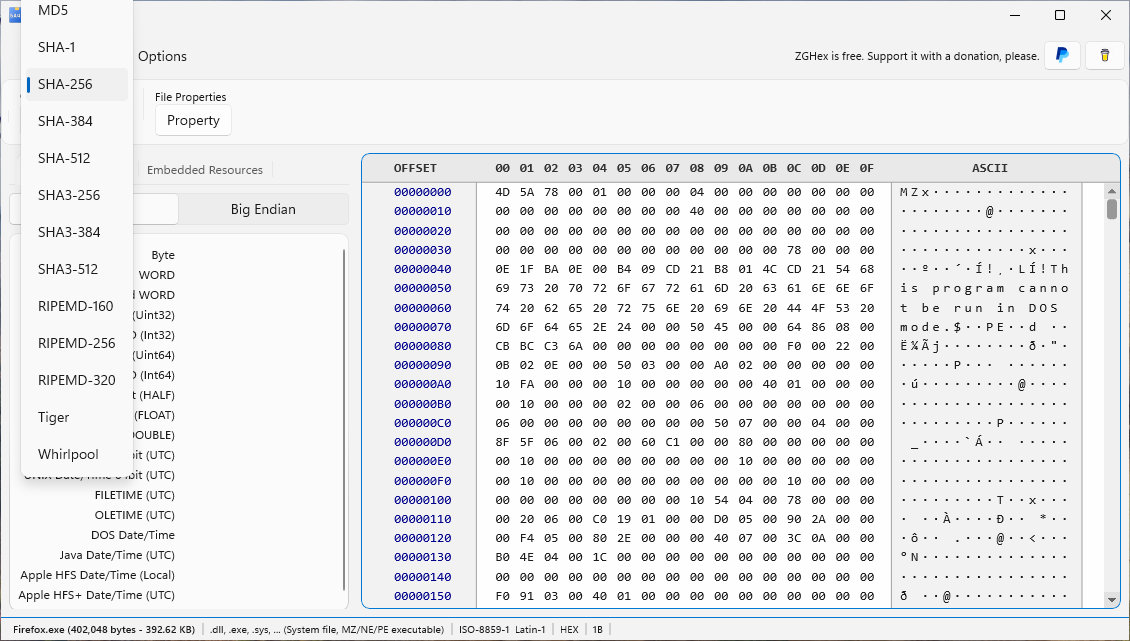
Calculate the file's hash using one of the many available algorithms.
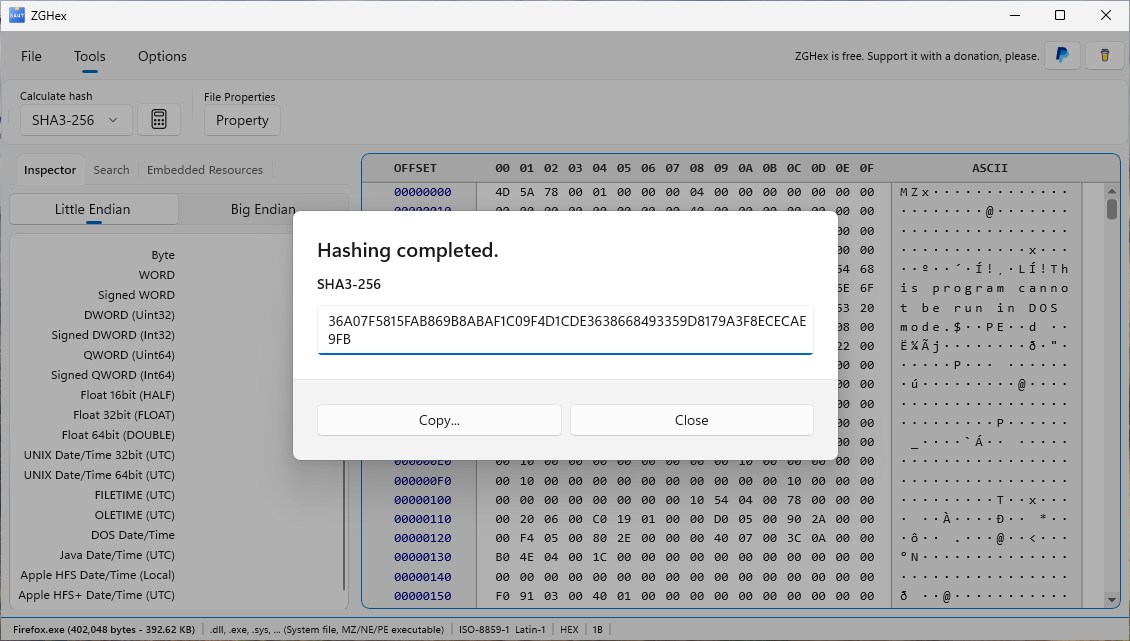
After calculating the hash, you can copy it for later use.
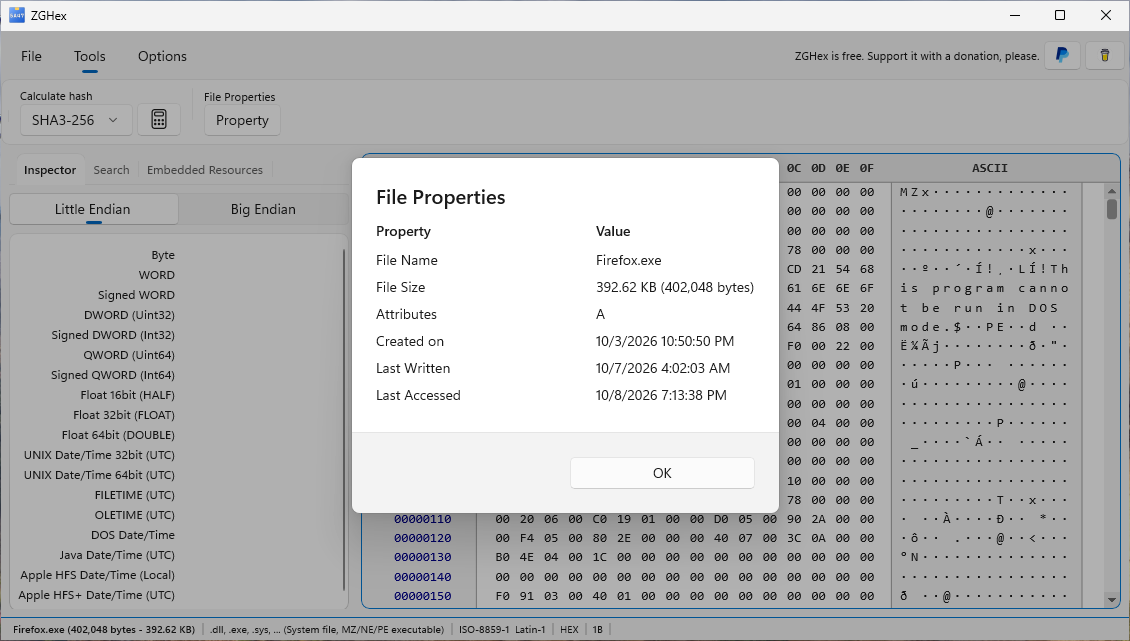
Easily view the open file's properties and get detailed information.
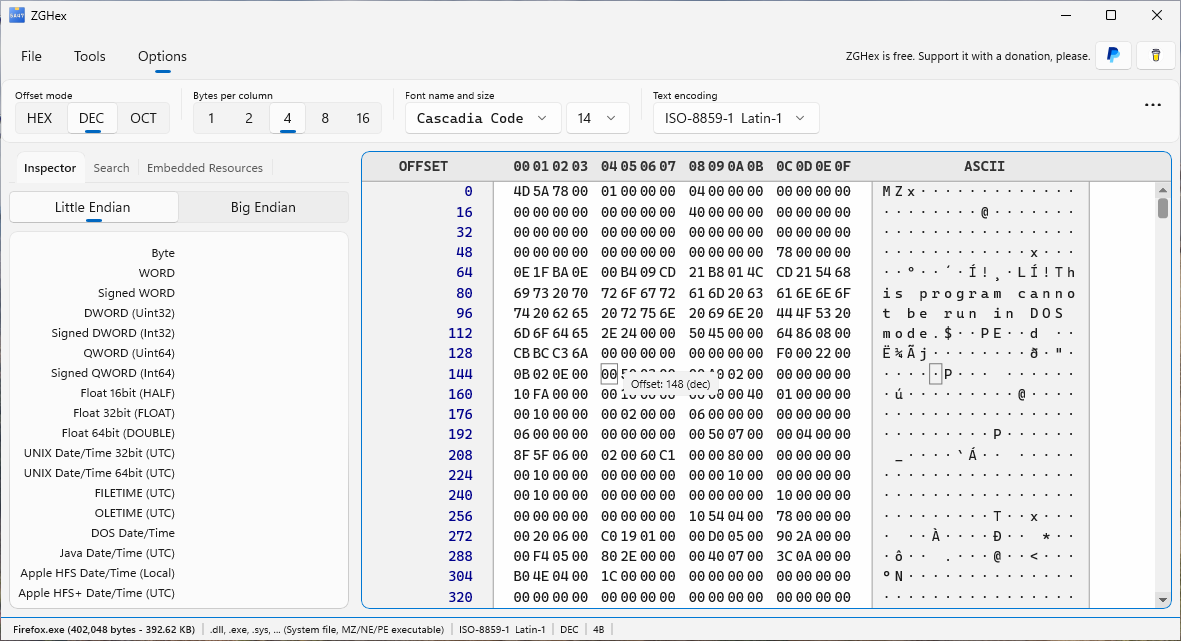
Customize how information is displayed to suit your preferences.
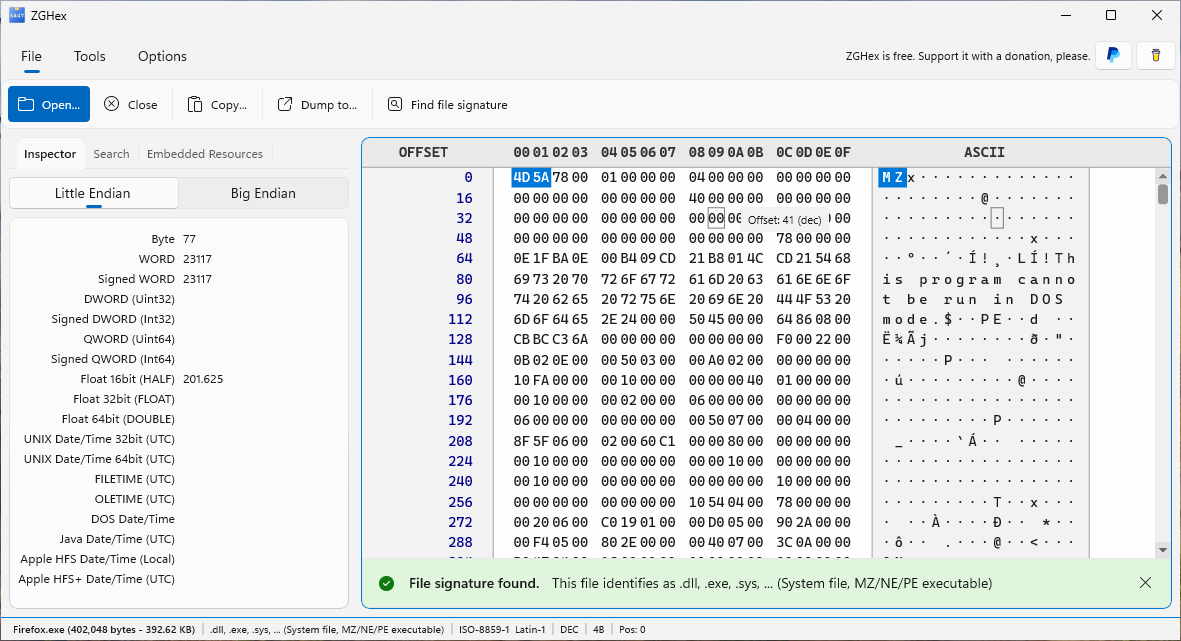
The file signature search lets you identify a file's true nature without blindly relying on its extension.
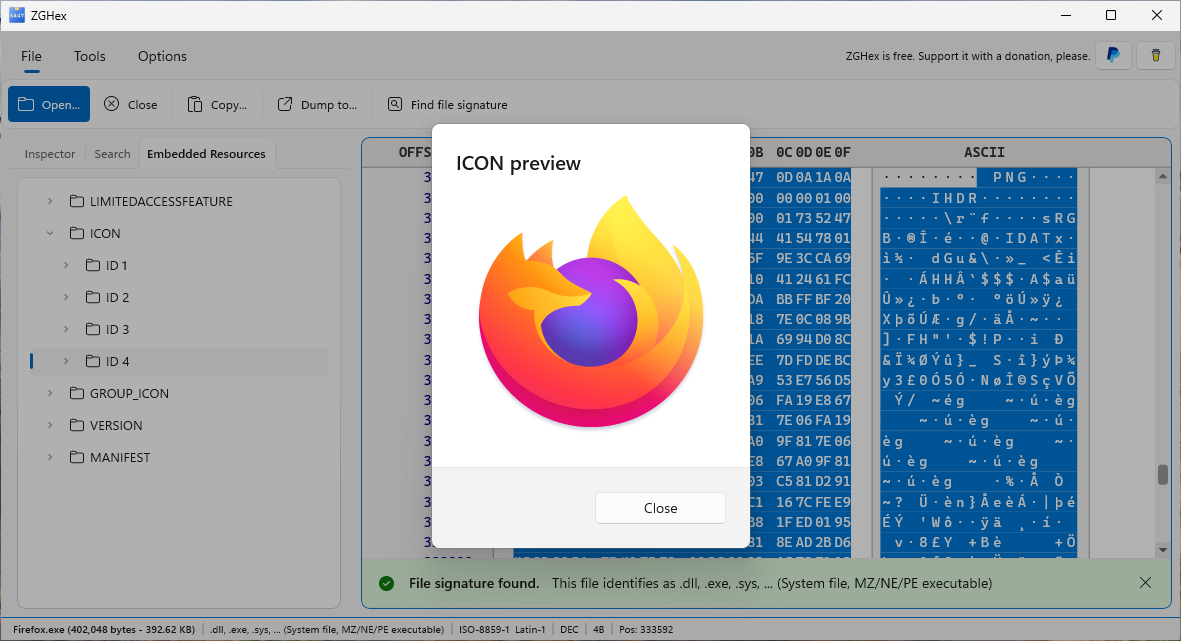
When you open an .EXE or .DLL file, you can explore and preview its embedded resources.
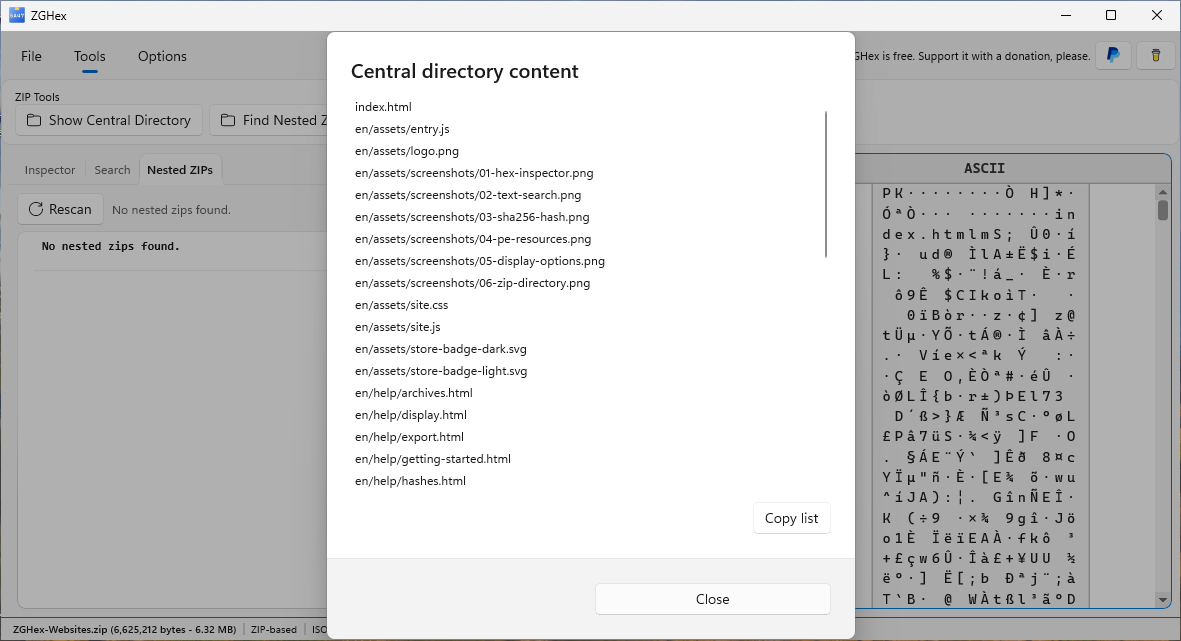
When you open a ZIP archive, you can examine its contents by exploring the archive's central directory (or use ZipGenius).
A little guidance.
A lot to discover.
Practical, step-by-step help for the tools you use.
Your first file
Install ZGHex, open a file and get your bearings.
Find text or byte sequences
Search a file and navigate directly to matching bytes.
Calculate a file hash
Generate and copy a fingerprint of the whole file.
Export an HTML or PDF dump
Save a selected range or the whole file as a readable document.
Quick answers
Is ZGHex really free?
Yes. ZGHex is completely free. Donations offered inside the app are optional.
Can I edit bytes?
ZGHex is a hexadecimal viewer and analysis tool. It does not edit file bytes.
Why is a tool disabled?
Open a file first. PE resources, ZIP tools and EXIF/JFIF commands depend on the format and data detected in that file.
Which languages are available?
The app interface and these guides are available in English and Italian.
Your next discovery
starts with a byte.
ZGHex is completely free. Get the Windows app from Microsoft Store and start exploring.