
ZGHEX / HELP
Explore PE resources
Inspect the resources embedded in Windows executables and libraries.
Open a PE file
PE stands for Portable Executable, the format used by Windows executable files and libraries, such as EXE and DLL files. Open an EXE or DLL containing a supported PE resource directory. Select Embedded Resources in the left panel. This tab is available when resources can be parsed.
Explore the tree
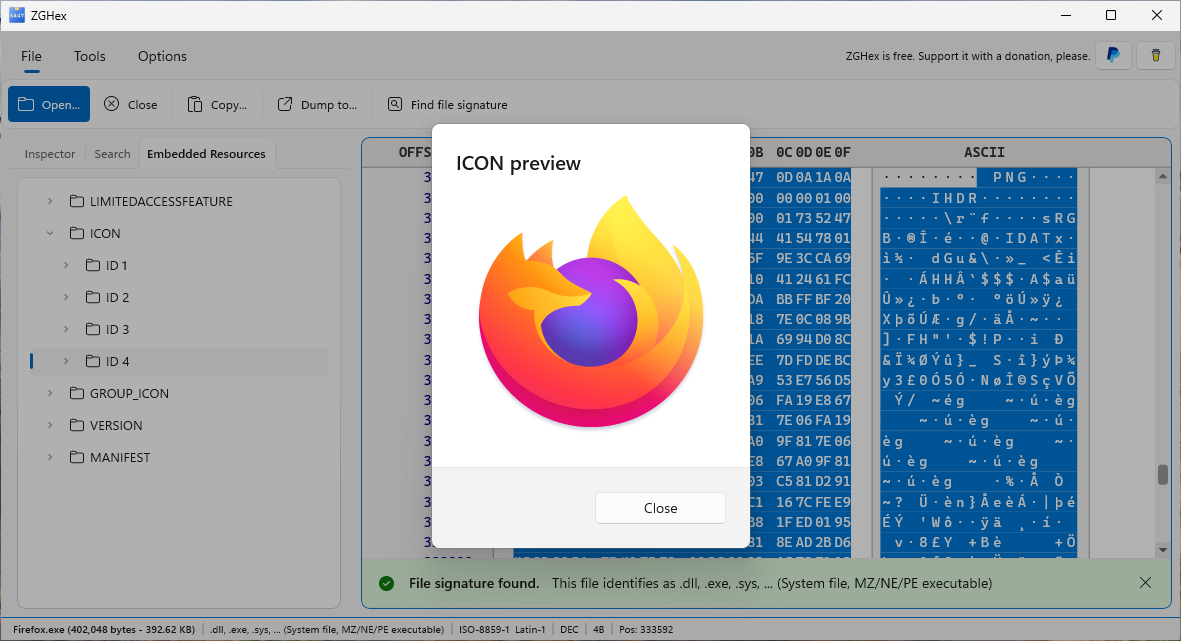
- Expand the resource tree to browse types, identifiers and languages.
- Select a resource entry containing data to locate its bytes in the hexadecimal view.
- Inspect supported previews, including string tables and image resources, when available.
Language entries belong to the file you are examining. They do not change the language of ZGHex.
If resources are missing
Not all EXE or DLL files have embedded resources. A missing tab may mean that the file has no readable resource directory or uses an unsupported structure. You can still inspect its bytes and search the file.
Next guideInspect ZIP archives →